Your music.
Your sound.
Everywhere.
System-wide audio enhancement
for iPhone.
Bass boost, equalizer, spatial surround, reverb and more. Works across your favourite music apps with a simple audio output setup.
For iPhone · Launching soon
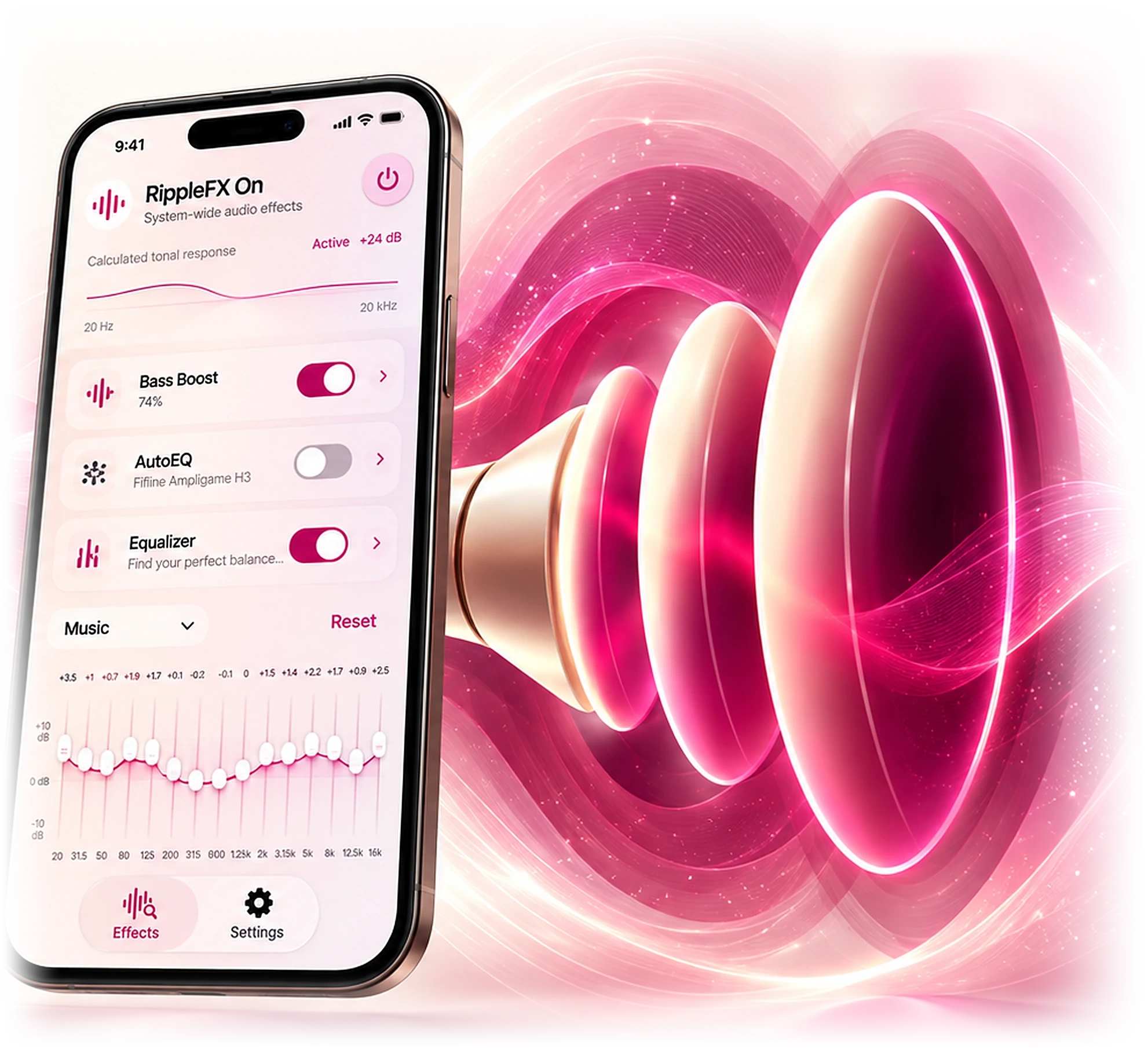
BASS BOOST
Feel every beat
Powerful bass boost with Deep, Sub, Punchy and Balanced modes.
EQUALIZER
Shape every
frequency
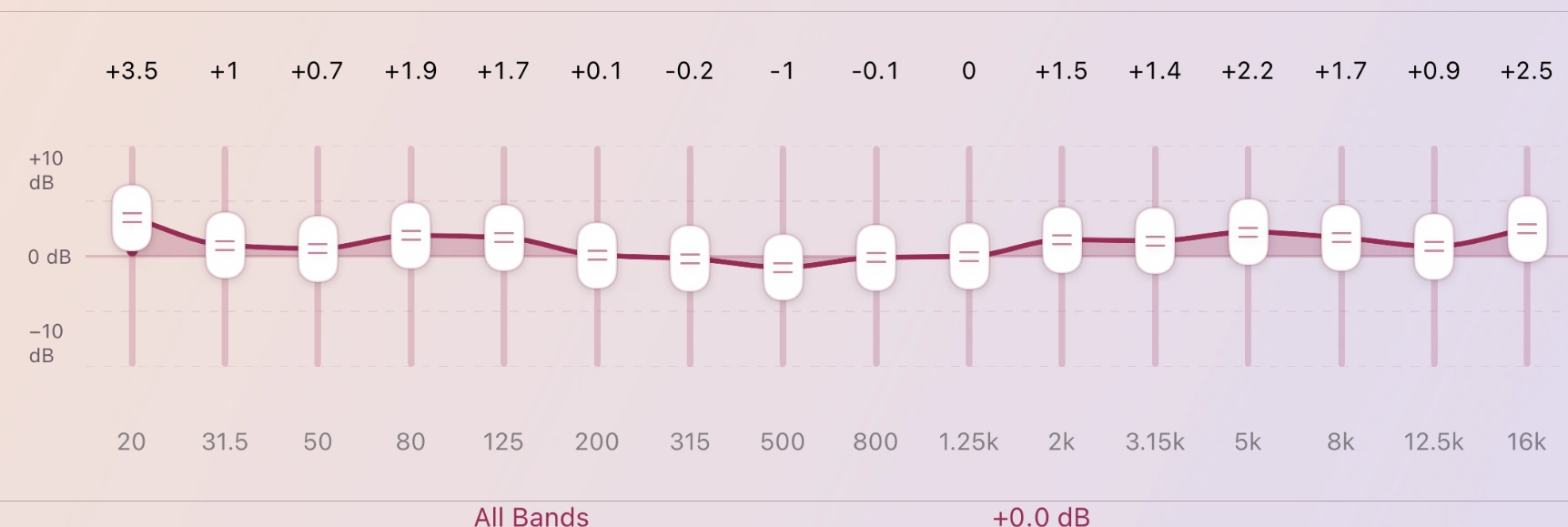
8 and 16-band equalizer with precise control and custom presets.
PERSONALIZED LISTENING
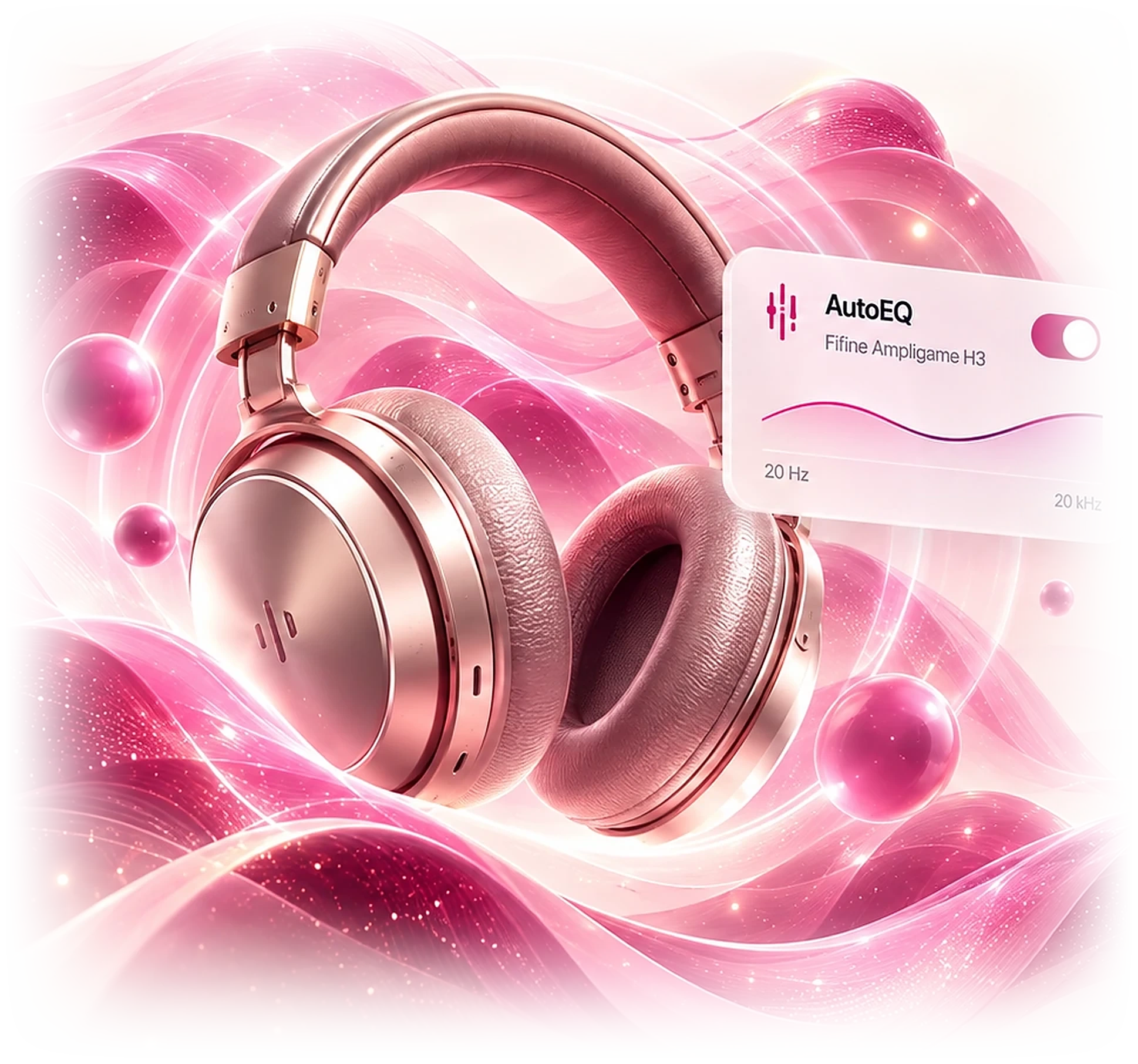
Personalized for
your headphones
AutoEQ with headphone-specific optimization for a natural, balanced sound.
IMMERSIVE EFFECTS
Go beyond stereo
Experience a wider, more immersive sound with Spatial Surround and natural reverb.

Works with your
favourite music apps
Compatibility depends on the music app and audio routing availability. RippleFX must be selected as the output destination for enhancement.
THREE SIMPLE STEPS
Simple setup for
system-wide audio
Just a few simple steps to start using RippleFX with supported music apps.
Play music
Start a song in Apple Music, Spotify or another supported app.
Select RippleFX
Open the audio output picker and choose RippleFX as the destination.
Enable effects
Turn on Bass Boost, EQ and more in RippleFX. Enjoy your sound.
RIPPLEFX
Launching soon
on the App Store
A new way to experience your music with system-wide audio enhancement for iPhone.