Introducing RippleFX

Your music.
Your sound.
Everywhere.

System-wide audio enhancement for iPhone.

Feel deeper bass, shape every frequency and enjoy immersive audio effects across supported music apps—using a simple audio output setup.

Coming soon to the App Store

Designed for iPhone • App Store launch upcoming
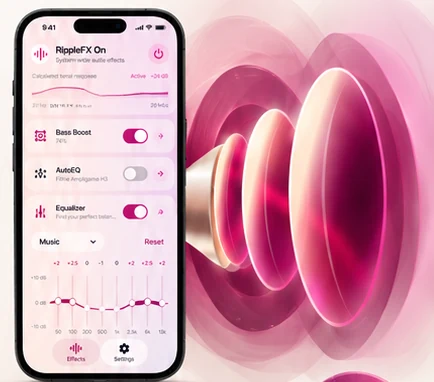
RippleFX interface displayed beside the app's luminous speaker wave artwork

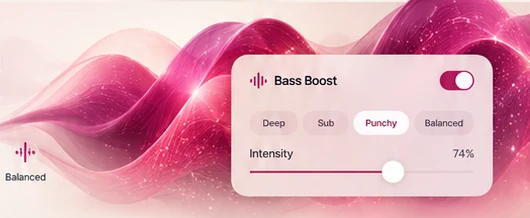
Bass boost

Feel every beat.

From deep, warm lows to a punchy bassline. Tune the intensity to match the music you love.

DeepSubPunchyBalanced
Pink audio waves with a RippleFX bass boost control

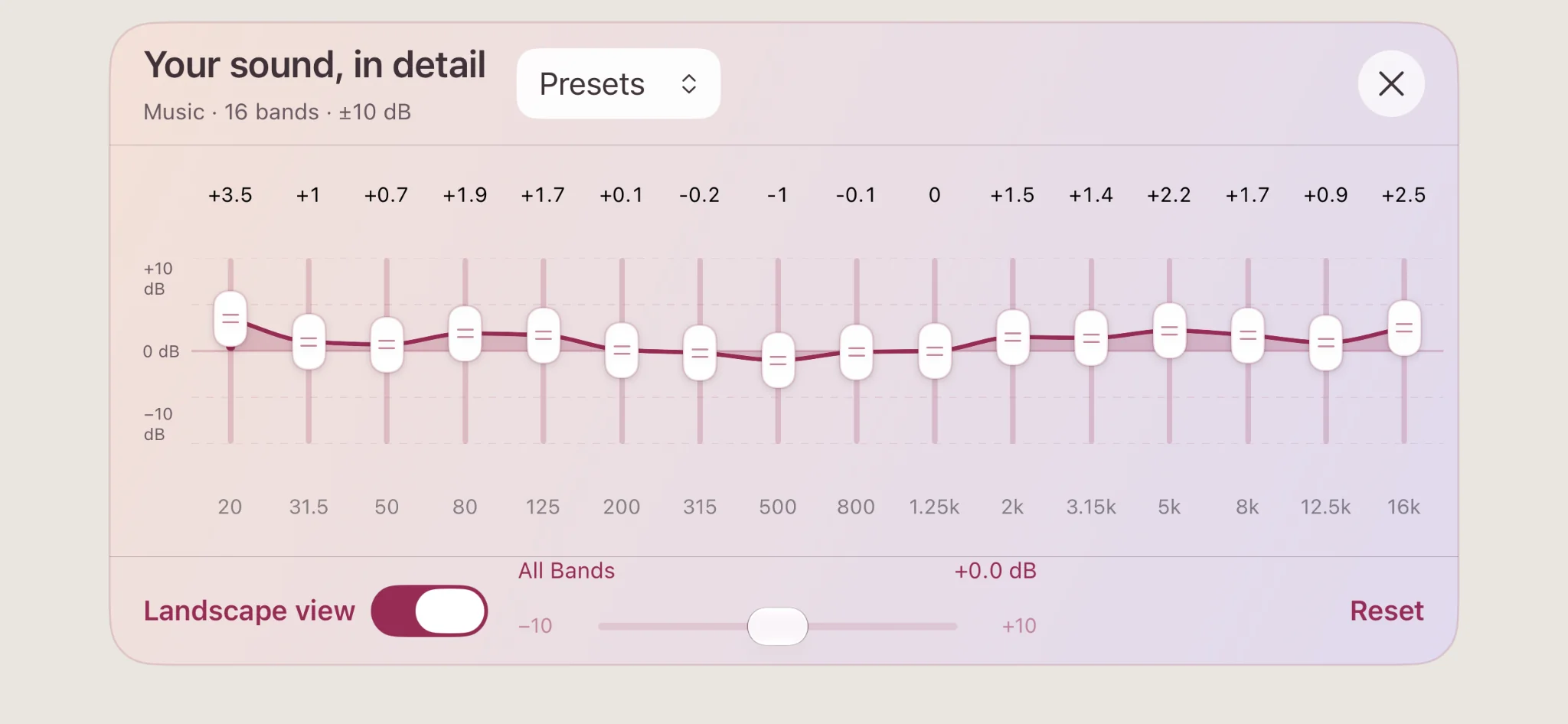
Graphic equalizer

Shape every frequency.

Powerful 8-band and 16-band equalizers, precise tuning and thoughtfully crafted presets. Make every detail your own.

8 & 16Adjustable bands
PresetsReady to explore
Actual RippleFX 16-band landscape equalizer interface

Headphone personalization

Personalized for your headphones.

AutoEQ lets you choose a headphone profile for a more balanced, personal listening experience.

AutoEQ profilesPersonalized tuningYour sound
Premium headphones with a RippleFX AutoEQ frequency response card

Immersive listening

Go beyond stereo.

Make listening feel wider and more expressive with Spatial Surround, Reverb, Pitch and Preamp controls.

Spatial SurroundReverbPitchPreamp
Immersive headphone audio illustration with glowing surround sound rings

Music, your way

Works with your favorite music apps.

Explore enhanced listening across supported streaming and playback apps after selecting RippleFX as your audio output.

Apple Music
Spotify
Amazon Music
YouTube Music
TIDAL
Deezer

Availability may vary by app, output route and device. Specific streaming-app compatibility will be confirmed at launch.

Easy setup

Simple setup for system-wide audio.

Enjoy your favorite audio with a quick output selection and your preferred effects.

1

Play your music

Open a supported music app and start playing a song.

2

Select RippleFX

Open the audio output selector in your player and choose RippleFX as the destination.

3

Enable effects

Open RippleFX, enable the master switch and customize your sound.

RippleFX app icon with luminous sound waves

RippleFX for iPhone

Launching soon
on the App Store.

A richer listening experience is on its way. Check back for launch updates.